Module 6: Sales and direct bookings · Lesson 40 of 79 · 5:39 · English
Turning phone, WhatsApp and walk-in enquiries into bookings
Join the waiting list
Log in
Free. We create your login and email it to you. All 79 lessons included.
What you will learn
In this lesson you learn to reply fast, answer "what is the price?" with questions and value, ask for the booking, handle a price objection without jumping to a discount, offer an honest hold, capture contact details with permission, follow up unbooked enquiries, run the hotel WhatsApp Business number well, sell to walk-ins by showing the room, record the source and measure conversion. The step-by-step phone reservation itself is tr06; this video is about winning the enquiries that have not booked yet.
Transcript
0:00
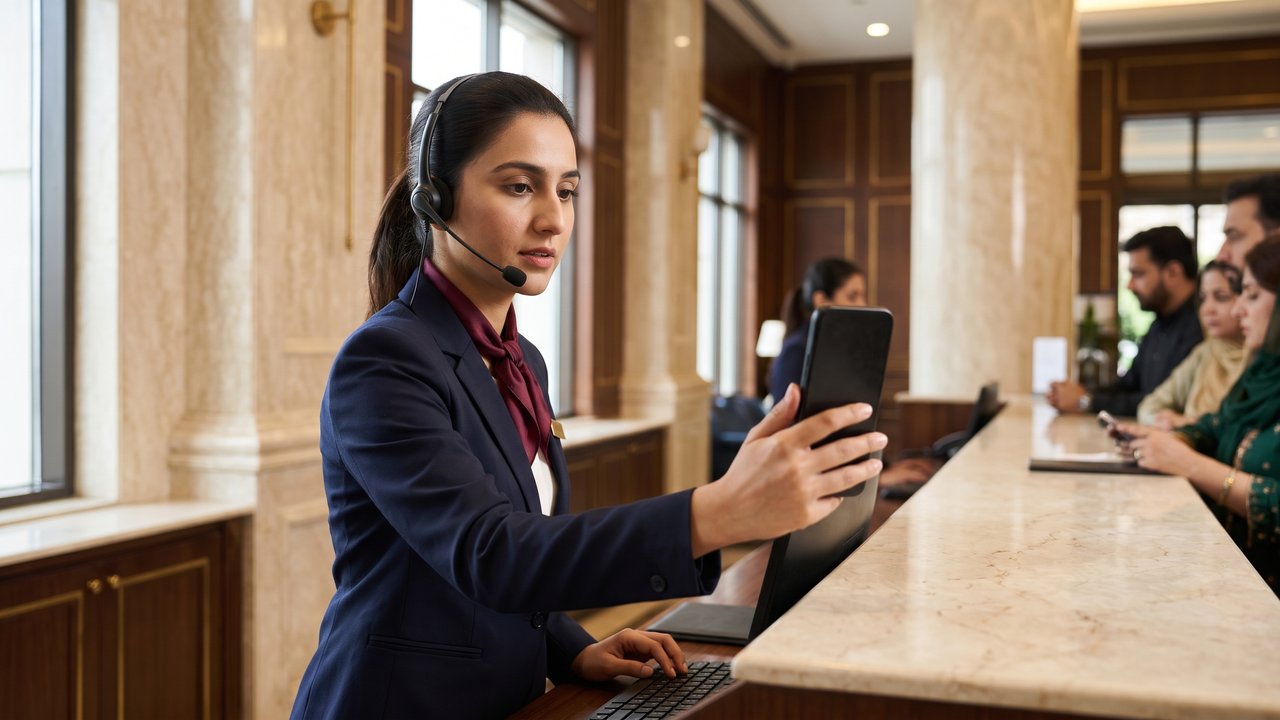
Welcome to the hotel operations course. In this video you will learn how to turn phone, WhatsApp and walk-in enquiries into bookings, and how not to lose the guest who does not book today.
0:13
An enquiry is a person who is interested but has not booked yet. In Pakistan, many guests first ask the price by phone or WhatsApp, and they often ask three or four hotels at the same time.
0:27
That is why speed matters most. The hotel that answers first and answers well usually gets the booking. Reply on WhatsApp within a few minutes, and pick up the phone within three rings, as you learned in the phone reservation video.
0:42
The first question is usually: what is the price of a room? Do not just say a number. First ask: certainly, which dates are you planning, how many people are travelling, and what is the purpose of the trip?
0:57
Then explain the value before the price: the features of the room, breakfast included, free parking, and how convenient the hotel's location is. After that, state the rate clearly, including all taxes.
1:12
Many people give the information and then say: fine, think about it and let me know. That is a mistake. Ask for the booking: shall I book this room in your name right now, for those dates?
1:24
If the guest says it is expensive, do not jump to a discount. Explain what the rate includes, and offer a lower-priced room type or different dates. Discounts are given only according to the manager's policy.
1:39
Honest urgency is fine; false urgency is not. If only two rooms are really left on those dates, say so. But never lie that the rooms are running out. Guests find out, and the trust is gone.
1:54
If the guest cannot decide yet, offer to hold the room for a while according to policy, for example until six tomorrow evening. Guarantees and advance payments are covered in the reservation videos.
2:08
When a guest does not book, always take the name, the mobile and WhatsApp number and the dates, and ask: may I send you the rate details tomorrow? Never chase a guest without permission.
2:21
Record the follow-up for every enquiry as a task in the PMS, with a due date, just like the lead task in the previous video. The next shift sees it too, and no enquiry gets lost like a paper slip.
2:34
In the follow-up, remind the guest of what they told you: you mentioned your son's graduation. Do not chase more than two or three times, and if the guest says no, thank them and stop.
2:47
For WhatsApp, use the hotel's own WhatsApp Business number, never an employee's personal number. Complete the profile with the hotel's address, the map location, the opening hours and the website link.
3:02
In WhatsApp Business, create quick replies: ready answers for rates, location and check-in time. Still add the guest's name to make each one personal. Use labels to separate the chats: new enquiry, follow-up, booked.
3:19
The hotel is open twenty-four hours, so WhatsApp must be someone's responsibility at all times, including the night shift. If there is a gap, set an away message that says when the guest will get a reply.
3:34
Be polite on WhatsApp too: a greeting, the guest's name, short clear sentences, and the guest's own language, Urdu or English. Send rates and dates in writing, so there is no misunderstanding later.
3:48
Send real, recent room photos and the location pin. For an advance payment, give only the hotel's official bank account or payment link, never anyone's personal account. This protects the guest from fraud.
4:03
Send a written confirmation as soon as the booking is made. The Guest Messages section of the PMS has templates for reservation, pre-check-in and check-in, which can go by text message, email or WhatsApp if the hotel has set them up.
4:20
Offer to show the walk-in guest a room. Seeing the room helps the guest decide quickly. On the way, point out the restaurant, the gym and the parking, so the guest gets a picture of the whole hotel.
4:32
Quote the rate to a walk-in with confidence; do not haggle like a bazaar. Some hotels have an evening walk-in rate for rooms still empty. Offer it only according to the manager's policy.
4:46
When the guest agrees, create the booking in the PMS at once with the right source: phone, WhatsApp or walk-in, as in the previous video. If the guest prefers to book online, send the hotel's own website link, never an OTA's.
5:03
Count enquiries and bookings. For example, eight bookings from twenty enquiries is 40 percent. Every week, look at why the rest did not book: the price, no room available, or a reply that came too late.
5:18
To sum up: reply fast, ask questions first, then value, then price, ask for the booking, no quick discounts, take contact details with permission, follow up, run WhatsApp Business politely, show the room, and record the source. Thank you.
Module 6
Sales and direct bookings
 38. Everyone sells: the hotel's products and the selling mindset
5:45
 39. Upselling and cross-selling at the desk, restaurant and on the phone
5:41
 40. Turning phone, WhatsApp and walk-in enquiries into bookings
5:39
 41. Direct bookings vs OTAs: why direct, and how to win them
5:42
 42. Google, website, social media and WhatsApp Business
5:45
 43. Getting and answering online reviews
5:24
 44. Repeat guests: guest history, preferences, loyalty and staying in touch
5:30
 45. Corporate, travel-agent, wedding and local market sales
5:47